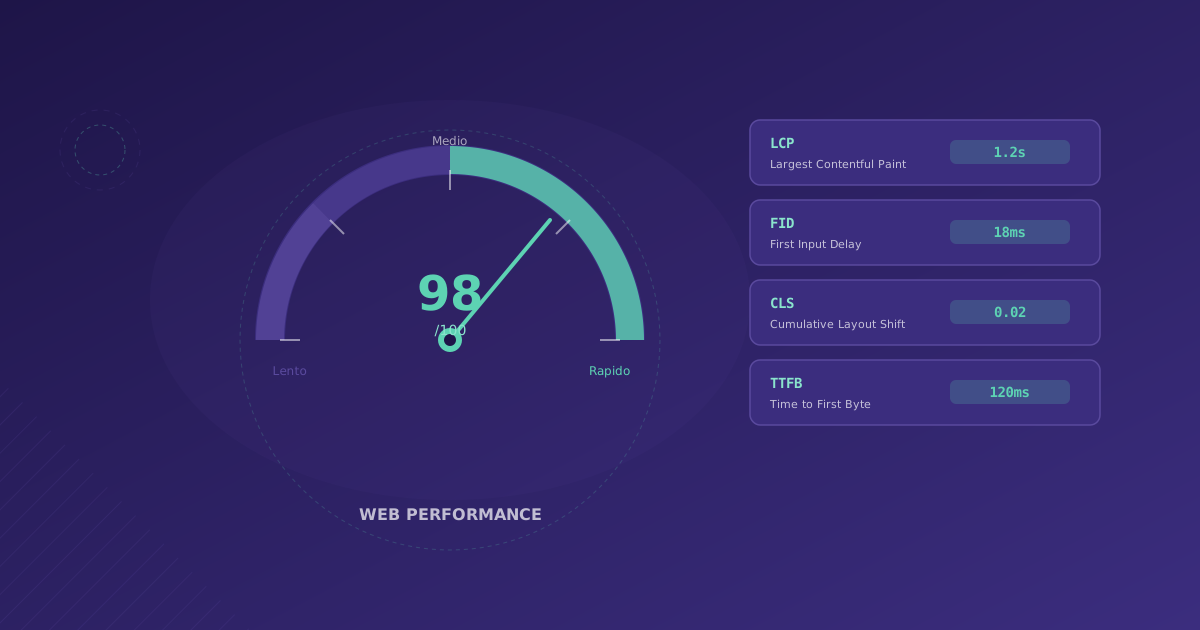
Loading speed is critical. Every second of delay can cost conversions and affect your search engine rankings. This guide shows you how to optimize your web for the best performance.
Why Does Performance Matter?
- 53% of users abandon if a page takes more than 3 seconds
- 1 second of improvement can increase conversions by 7%
- Google uses speed as a ranking factor
Core Web Vitals
Google measures user experience with three main metrics:
LCP (Largest Contentful Paint)
Time until the main content is visible.
- Good: < 2.5s
- Needs improvement: 2.5s - 4s
- Poor: > 4s
FID (First Input Delay)
Time until the page responds to the first interaction.
- Good: < 100ms
- Needs improvement: 100ms - 300ms
- Poor: > 300ms
CLS (Cumulative Layout Shift)
Visual stability during loading.
- Good: < 0.1
- Needs improvement: 0.1 - 0.25
- Poor: > 0.25
Optimization Techniques
1. Image Optimization
<!-- Use modern formats -->
<picture>
  <source srcset="image.avif" type="image/avif">
  <source srcset="image.webp" type="image/webp">
  <img src="image.jpg" alt="Description" loading="lazy">
</picture>
2. Lazy Loading
// Intersection Observer for lazy loading
const observer = new IntersectionObserver((entries) => {
  entries.forEach(entry => {
    if (entry.isIntersecting) {
      const img = entry.target;
      img.src = img.dataset.src;
      observer.unobserve(img);
    }
  });
});

document.querySelectorAll('img[data-src]').forEach(img => {
  observer.observe(img);
});
3. Minification and Compression
- Minify CSS, JavaScript, and HTML
- Enable Gzip or Brotli compression
- Remove unused code (tree shaking)
4. Effective Caching
# Cache configuration in Nginx
location ~* \.(css|js|jpg|png|webp|svg)$ {
    expires 1y;
    add_header Cache-Control "public, immutable";
}
5. Preload Critical Resources
<head>
  <!-- Preload fonts -->
  <link rel="preload" href="/fonts/inter.woff2" as="font" crossorigin>

  <!-- Preconnect to external origins -->
  <link rel="preconnect" href="https://api.example.com">
</head>
6. Server-Side Rendering
Use SSR or SSG to deliver complete HTML to the browser:
// Example with Next.js
export async function getStaticProps() {
  const data = await fetchData();
  return {
    props: { data },
    revalidate: 3600 // Regenerate every hour
  };
}
Measurement Tools
- Lighthouse (Chrome DevTools)
- PageSpeed Insights (Google)
- WebPageTest
- GTmetrix
Optimization Checklist
- Images optimized and in modern format
- Lazy loading implemented
- Critical CSS inlined
- JavaScript deferred
- Cache correctly configured
- CDN configured
- Compression enabled
- Fonts optimized
Conclusion
Performance optimization is a continuous process. Regularly monitor your metrics and adjust as needed.
Does your website need a performance audit? Contact us for a free analysis.