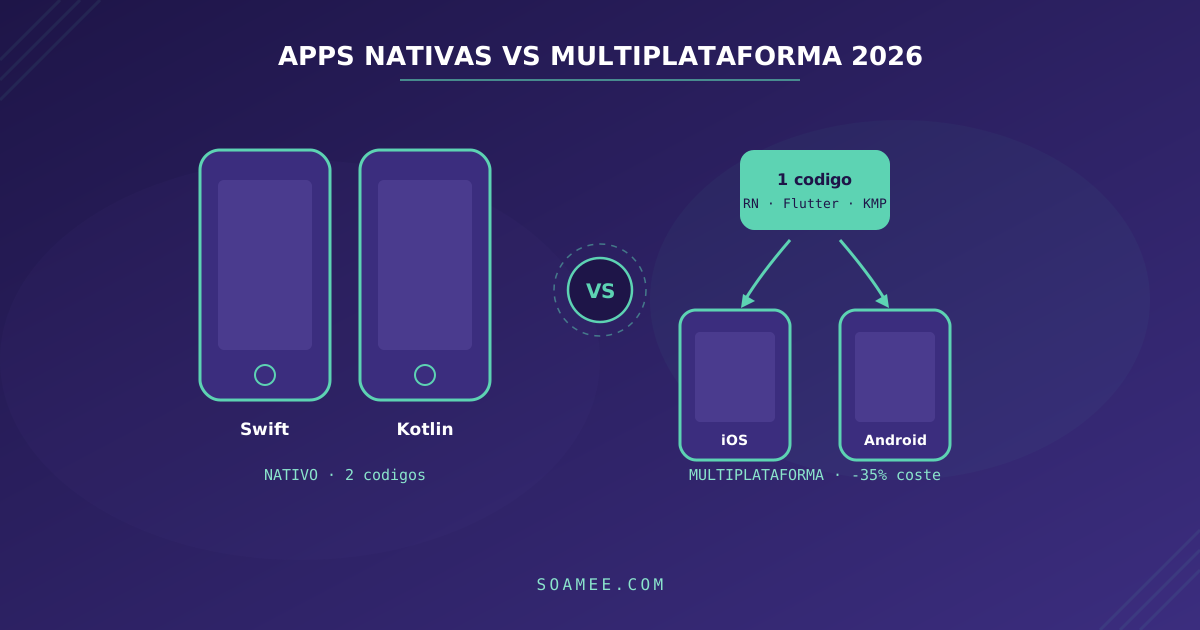
“Should we build the app native or cross-platform?” is still the first question in any mobile project, and in 2026 the answer has changed compared to a few years ago: cross-platform technologies have matured so much that the right question is no longer “which performs better?” but “which fits your product, your team and your budget best?”.
At Soamee we have built apps with React Native in production — like GolfyApp, with 5.0★ on the App Store, or Fitclub Fuerza Femenina, with video streaming and in-app subscriptions — as well as projects with Flutter and native development. This guide is the decision framework we use with our clients, with 2026 data.
The landscape in 2026, in one table
| Option | Language | UI | Performance | Relative cost | Ideal for |
|---|---|---|---|---|---|
| Native (Swift + Kotlin) | Swift / Kotlin | 100% native | Maximum | 100% (baseline) | Product apps, hardware, wearables |
| React Native | TypeScript | Native components | Very high | ~60-70% | Business apps, web teams |
| Flutter | Dart | Own rendering (Impeller) | Very high | ~60-70% | Highly custom UI, multi-device |
| Kotlin Multiplatform | Kotlin | Native (or Compose MP) | Maximum in UI | ~70-80% | Migrating existing native apps |
| PWA | TypeScript | Web | Medium | ~40-50% | Internal tools, web-first MVPs |
What has changed recently
React Native completed the transition to the New Architecture (Fabric + TurboModules), which eliminated the old asynchronous bridge: communication between JavaScript and native is now synchronous and statically typed, which translates into smoother lists and faster startups. Companies like Microsoft, Shopify and Coinbase maintain huge apps with this technology.
Flutter consolidated Impeller as the default rendering engine on iOS and Android, putting an end to the classic first-frame “jank”. It remains the option with the most consistent UI across platforms, because it draws every pixel instead of delegating to system components.
Kotlin Multiplatform went from promising bet to stable option: Google officially backs it for sharing business logic between Android and iOS, and Compose Multiplatform is now stable on iOS too. It is the natural path for teams that already have two native apps and want to stop implementing everything twice.
Native development remains the benchmark for performance and platform access: SwiftUI and Jetpack Compose are mature declarative environments, and the latest features from Apple and Google (widgets, Live Activities, on-device AI integrations) arrive first — and sometimes only — in native development.
When to choose native
- The app is your core product and you compete for the best experience in your category (consumer fintech, social, health). That extra 1% of smoothness matters when it is your competitive advantage.
- You depend on hardware: ARKit, real-time image processing, Bluetooth Low Energy with demanding protocols, sensors.
- Wearables and ecosystem: Apple Watch, Android Wear, advanced widgets, App Clips, Live Activities.
- You need the latest on day one: if your roadmap depends on adopting new iOS/Android APIs as soon as they ship, native eliminates the wait for the cross-platform framework to support them.
The cost: two codebases, two teams (or one team with both specialties) and every feature implemented twice. In maintenance, this permanently doubles the effort.
When to choose cross-platform
- Business apps: most B2B and B2C apps — catalogs, bookings, fitness, delivery, basic banking, marketplaces — do not push the framework to its limits. Here cross-platform is the rational choice.
- Time-to-market: an MVP in 10-12 weeks for iOS and Android at the same time is only viable with a shared codebase. We cover it in detail in from idea to product in 10 weeks.
- Budget: the realistic savings are 30-40% of the initial cost compared to two native apps, and even greater in maintenance. For the full numbers, check how much it costs to develop an app in 2026.
- Existing team: if your team masters TypeScript and React, React Native builds on that knowledge (and shares logic with your web). If you are starting from scratch, Flutter offers a very cohesive development experience.
React Native or Flutter?
It is the second most common question, and our short answer:
- React Native if your team comes from the web/React world, if you want to share logic (or developers) with a web app, or if your app mostly uses standard interface components. The JavaScript ecosystem is a huge advantage in libraries and integrations.
- Flutter if your app has a very strong, customized visual identity (the same UI pixel by pixel everywhere), if you are also targeting desktop or embedded devices, or if you prefer a cohesive, batteries-included stack.
In real-world performance, for business apps, it is a technical tie. The decision is about team and product, not benchmarks.
The third way: Kotlin Multiplatform
KMP deserves a separate mention because it solves a different case: not choosing. You share business logic (models, networking, validations, rules) in Kotlin and keep the interfaces 100% native with SwiftUI and Compose. You get full native performance and feel with a single source of truth for the logic.
The price? You still need expertise in both platforms for the UI layer, so the savings are smaller than with React Native or Flutter. It is the ideal option for companies that already have consolidated native apps and want to reduce duplication without a rewrite.
Quick decision framework
- Does your app need advanced hardware, AR or wearables as a core feature? → Native.
- Is the app your core product and the experience your competitive advantage? → Native (or KMP if the team already exists).
- Do you already have two native apps and the problem is duplicated logic? → Kotlin Multiplatform.
- Business app, MVP or new product with realistic budget and deadlines? → React Native or Flutter.
- Internal tool or early validation without store friction? → consider a PWA before investing in an app.
And one cross-cutting rule: the expensive mistake is not choosing “wrong” between React Native and Flutter — both take excellent apps to production. The expensive mistake is choosing double native without needing it (doubling cost and team) or choosing cross-platform for an app that lives off squeezing the hardware.
Our experience
At Soamee we use React Native as the default option for business apps: it lets us deliver iOS and Android in parallel with a single team and share patterns with our web projects. GolfyApp is a good example that “cross-platform” does not mean “limited”: it records and analyzes video with native camera access and maintains a 5.0 rating on the App Store. When the project calls for it — hardware, extreme performance, wearables — we propose native or KMP without dogma.
Are you deciding the stack for your next app? In mobile app development we explain how we work, and in a free consultation we can ground the decision on your specific case in one call.