Build landing pages by combining blocks, not writing code
5 configurable block types. Reorder with one click. Real-time preview inside the admin. Your marketing team creates professional landing pages without depending on development.
Automatic responsive. Every landing page adapts to mobile, tablet and desktop without configuring anything.
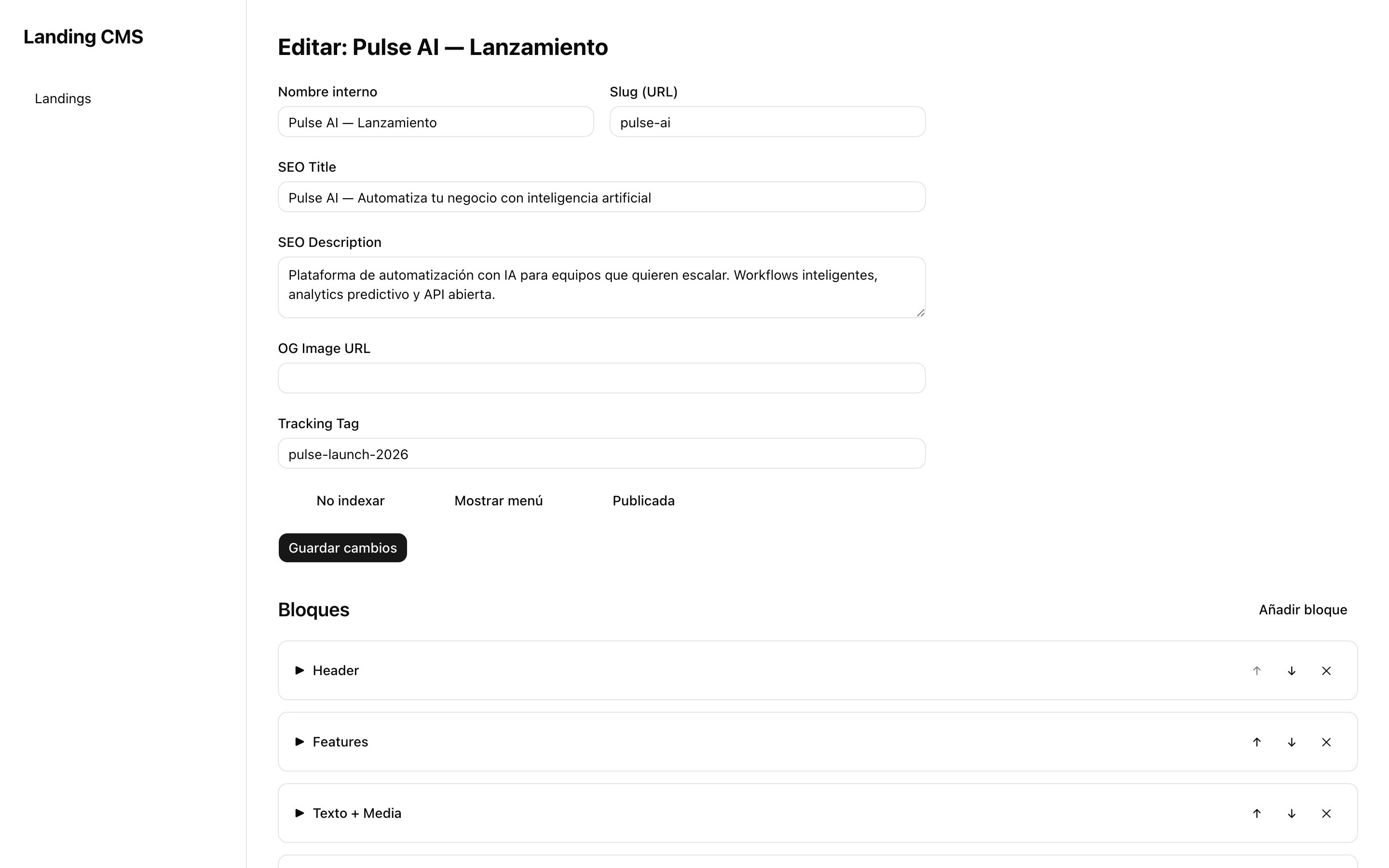
Every block solves a specific need of your landing page
The first impression: title, CTA and visual background
Full hero section with title, subtitle, CTA button and configurable background: static image, looping video or solid color. The text is overlaid with automatic contrast. Perfect for capturing attention in the first 3 seconds.
- Background: image, looping video or solid color
- Title + subtitle with configurable typography
- CTA button with custom text, color and link
- Adjustable dark overlay for readability

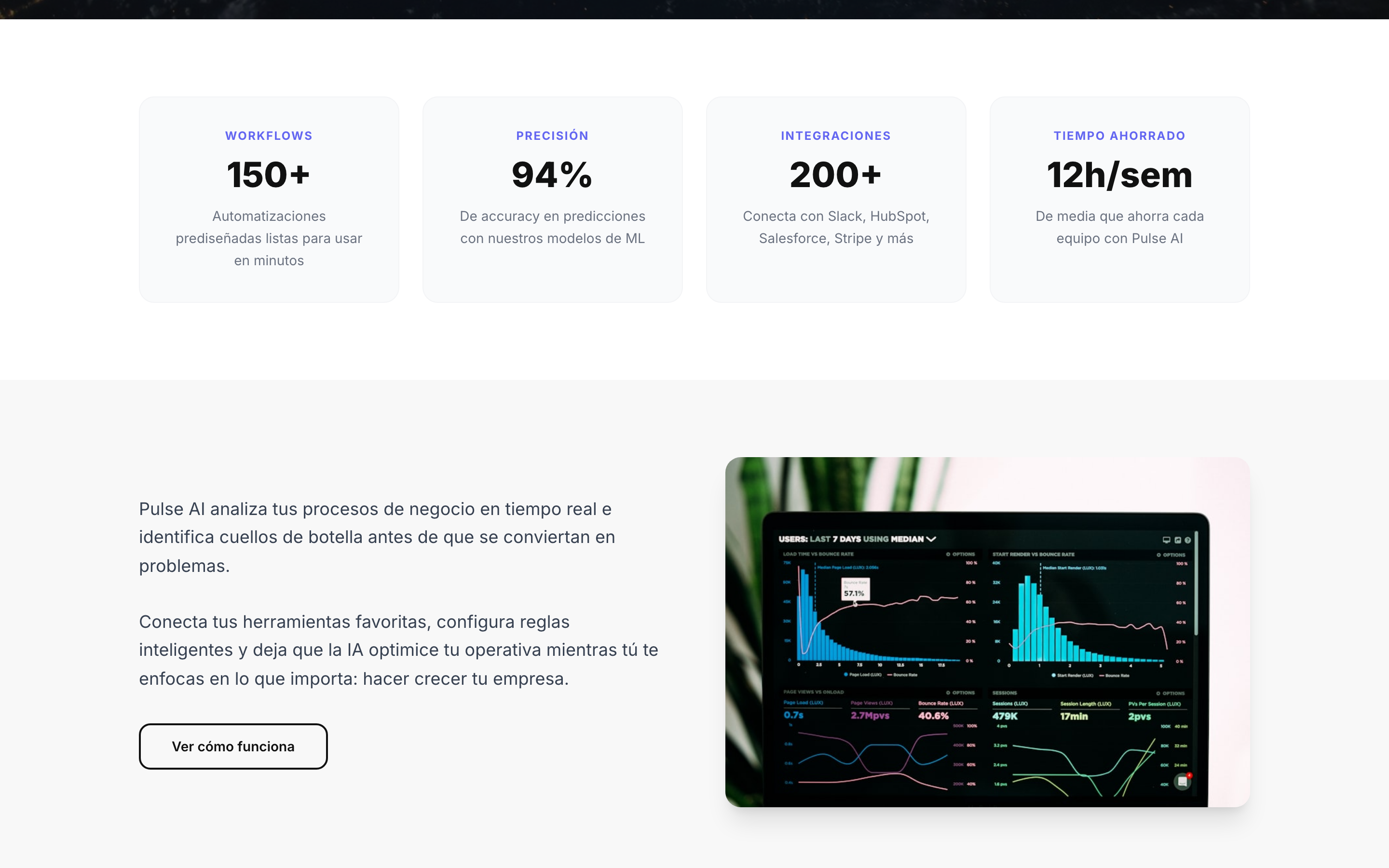
Show benefits in a visual grid
Card grid with section header, title, subtitle and individual cards. Each card has a title and description. The grid adapts automatically: 1 column on mobile, 2 on tablet, 2-4 on desktop depending on the number of items.
- Section header + title + subtitle
- Unlimited cards with title and description
- Automatic responsive grid (1-4 columns)
- Add and remove cards from the admin
Explain your proposition with text and image
Two-column block: rich text on one side and media (image or video) on the other. Ideal for developing sales arguments, explaining features or telling your product's story. Configurable media position (left or right).
- Rich text with formatting
- Media: image, video or no media
- Configurable position (media left or right)
- Stacks automatically on mobile
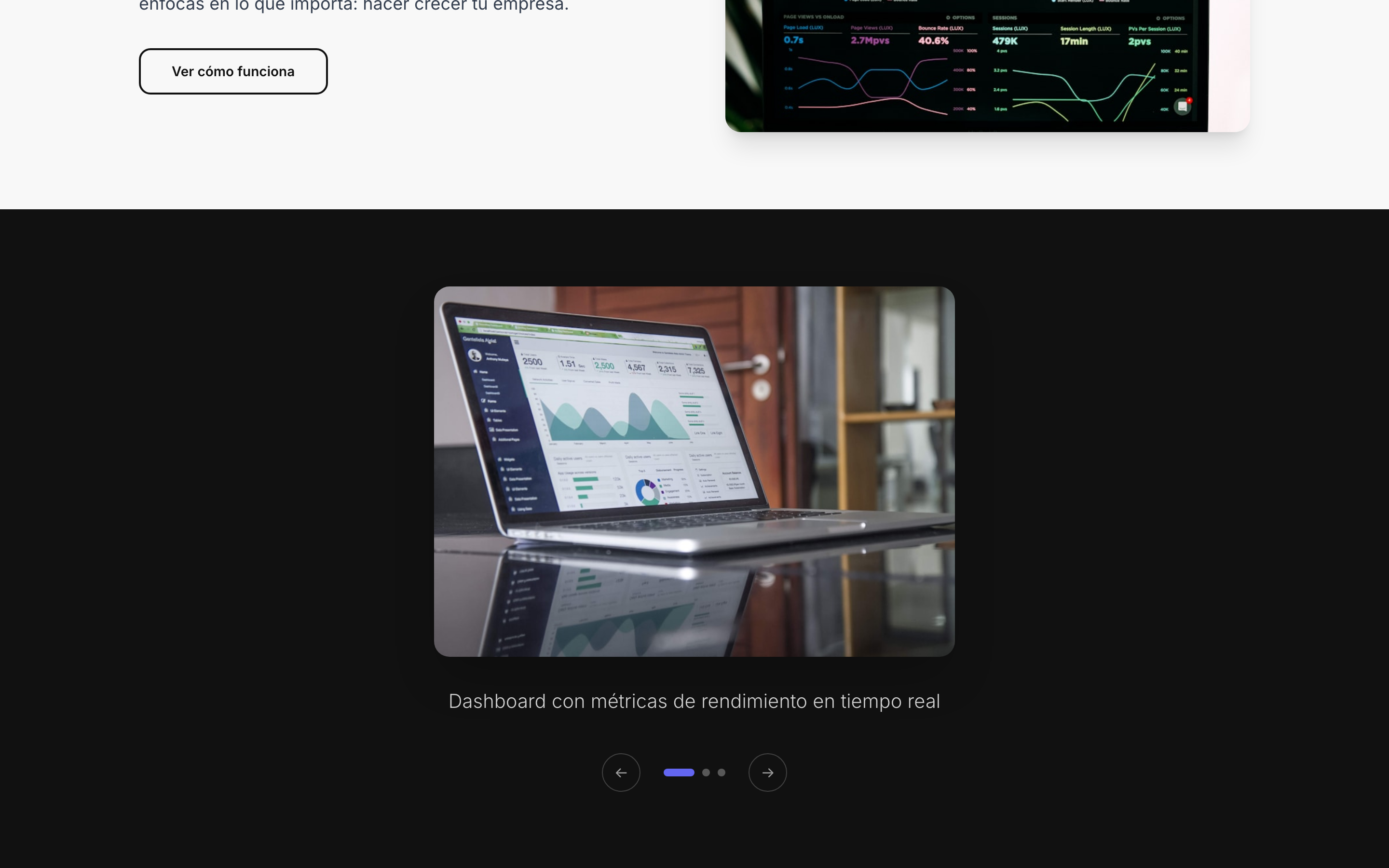
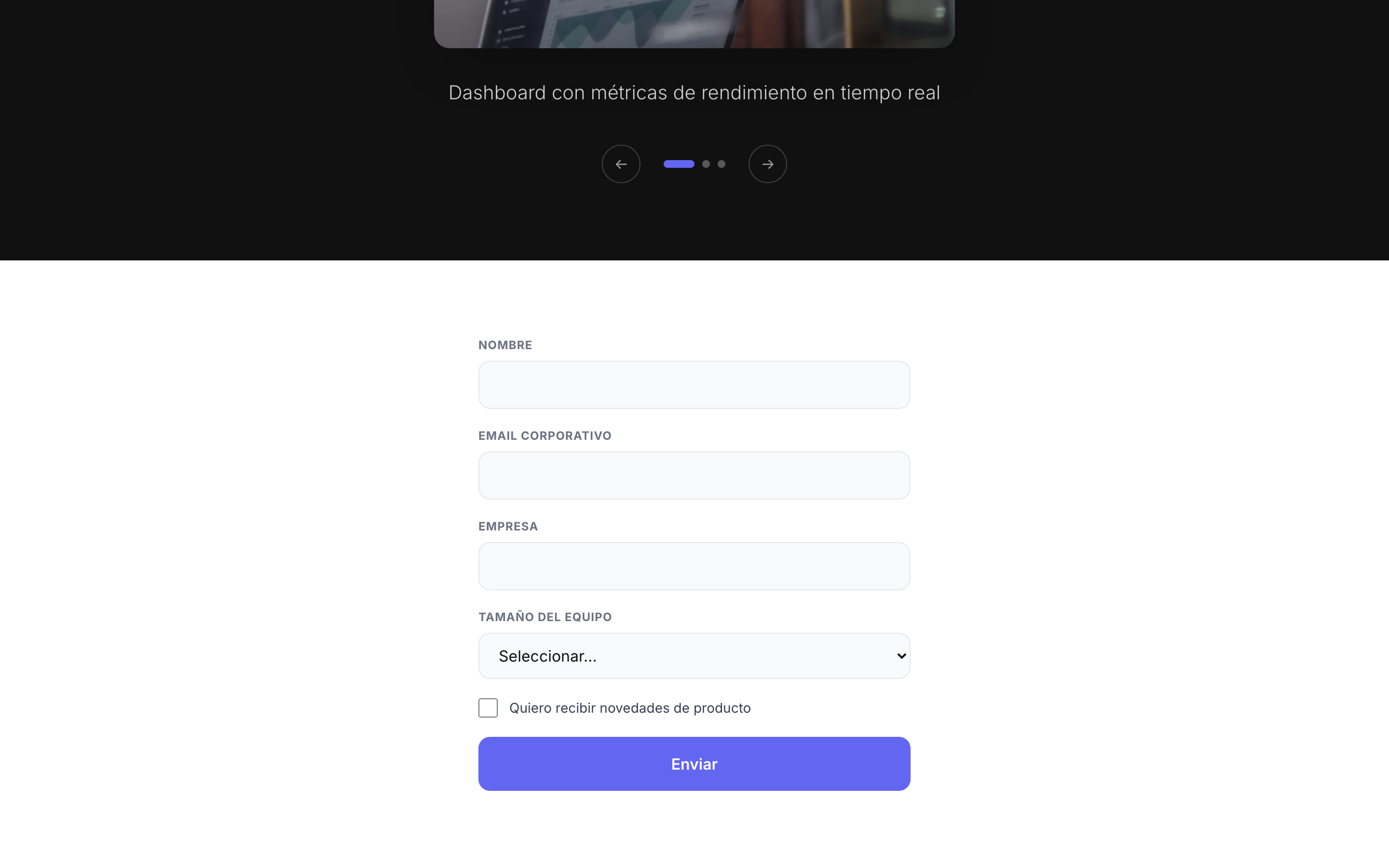
Image gallery with navigation
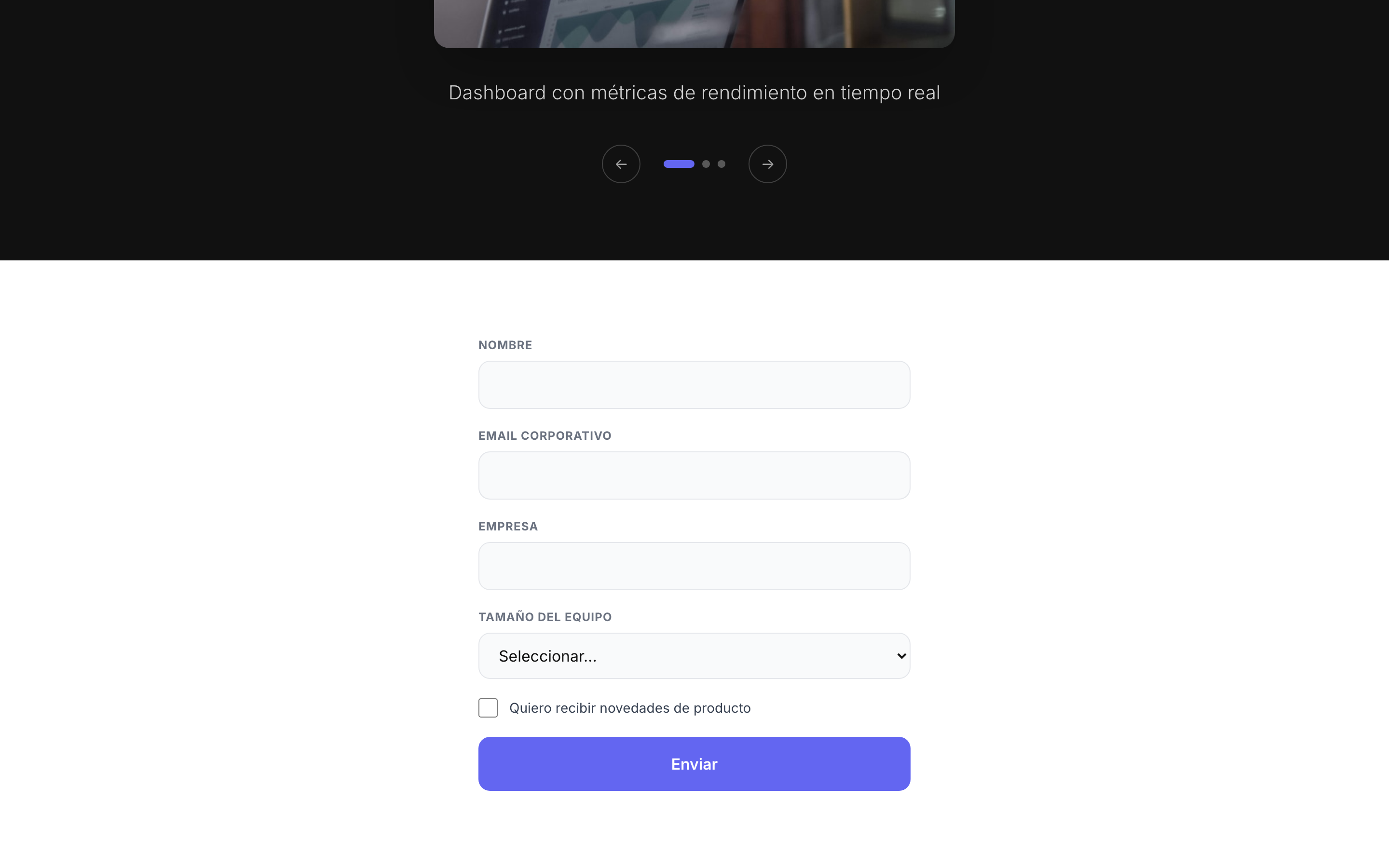
Image slider with navigation buttons (previous/next) and position indicators. Perfect for showcasing a project portfolio, product photos, screenshots or visual testimonials.
- Unlimited images per carousel
- Navigation with arrows and dots
- Configurable alt text per image (accessibility)
- Touch-enabled on mobile (swipe)
Capture leads with custom fields
Lead capture form with the fields you need. Define each field from the admin: type (text, email, phone, select, checkbox), label, placeholder and whether it is required. Submissions are stored with tags and can be exported or sent to your CRM.
- 5 types: text, email, phone, select, checkbox
- Required / optional fields
- Customizable confirmation message
- Automatic tags for segmentation
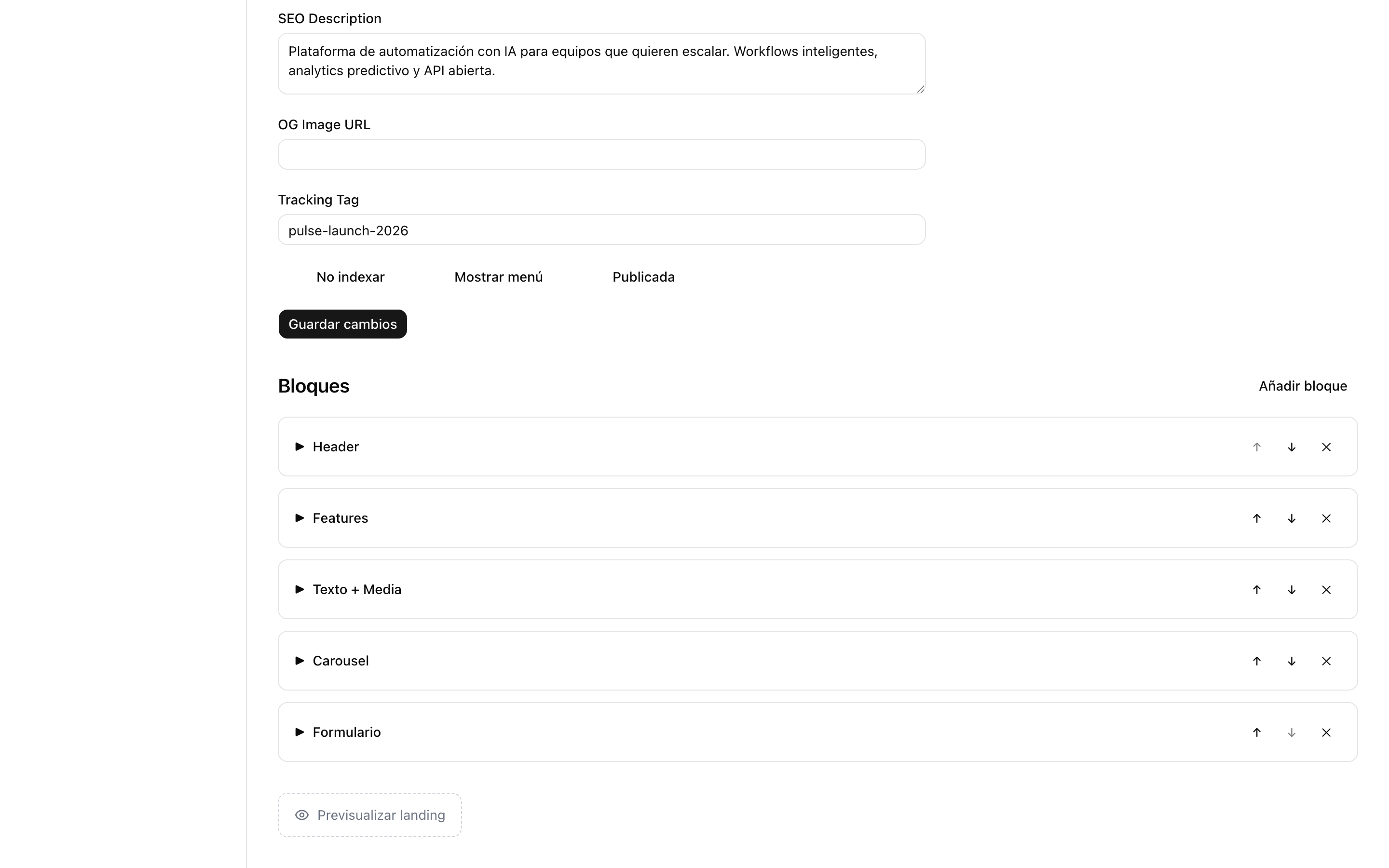
From zero to published landing page in 4 steps
Create the landing page
Give it a name, slug and configure SEO (title, description, OG image). 30 seconds.
Add blocks
Select the block type, configure it visually and see the result in the preview.
Reorder and adjust
Move blocks up and down until the order tells the story you want.
Publish
Switch the status to "published". Your landing page is online instantly at /your-slug.
See the result before publishing
A preview panel embedded inside the admin shows exactly how your visitor will see the landing page. Every configuration change is reflected instantly. No saving, no reloading, no surprises when you publish.
- Embedded iframe with the landing page's real URL
- Real-time updates while editing blocks
- Draft mode: preview without publishing
Try the editor.
Your first landing page in 10 minutes.
We will give you a live demo with your brand and your use case. No commitment.
Questions about the editor
Can I create custom blocks?
Can I change colors and typography?
Are the landing pages responsive?
Can I duplicate a landing page?
Tell us your challenge. We'll propose a solution.
No commitment. Within 24 hours, you'll receive a proposal with scope, timeline and budget. No fine print.