Accessibility almost always gets treated as a phase: build the product, then have someone run a validator at the end and open twenty tickets. That order is what makes it expensive. When keyboard focus is broken because the component system never accounted for it, fixing it is not a ticket — it is rewriting the interaction layer.
This guide is about the opposite: which decisions to make while you build, so that the validator has nothing left to say.
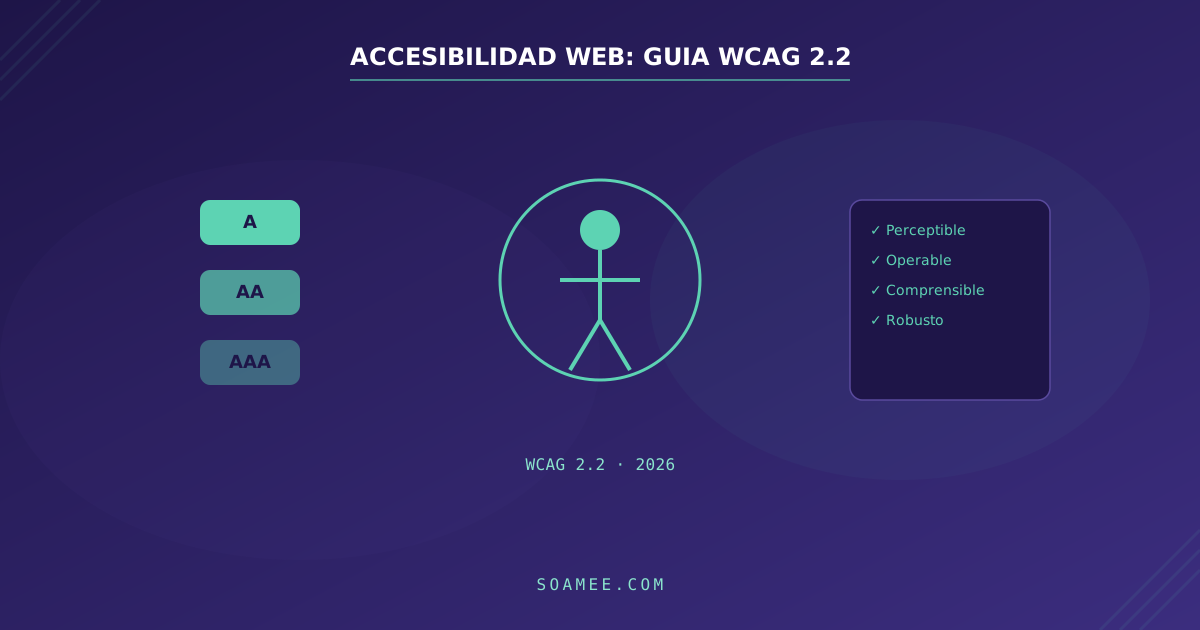
The four principles: POUR
WCAG organises everything around four ideas. They are not bureaucratic categories — they are four distinct ways someone can be locked out of your site.
Perceivable. Content has to arrive through more than one channel. An image needs alternative text, a video needs captions, and colour cannot be the only carrier of meaning — if a required field is only distinguishable because it is red, roughly one in twelve people with male vision will miss it.
Operable. Everything you can do with a mouse must be doable with a keyboard. No focus traps, no impossible time limits, no animations that trigger vestibular disorders.
Understandable. Declared language, predictable behaviour, and errors that explain what went wrong and how to fix it. “Form error” is not a message — it is a surrender.
Robust. Markup has to be interpretable by assistive technology. This is where semantic HTML beats divs with onclick every single time.
Levels A, AA and AAA
Three tiers of conformance. In practice only one matters.
- A is the absolute floor. Meeting only A still locks out a lot of people and satisfies almost no regulation.
- AA is the real standard. It is what European regulation requires, what public tenders ask for, and what gets audited.
- AAA is aspirational. The W3C itself states it is not realistic to require it across all of a site’s content.
Always build against AA. If someone asks you for “accessibility” without naming a level, they are asking for AA.
What WCAG 2.2 adds
WCAG 2.2 has been a W3C Recommendation since October 2023. It is additive: it keeps everything from 2.1 and adds nine criteria (one 2.1 criterion, 4.1.1 on parsing, was made obsolete). Six of the new ones are level AA. These are the ones we see failed most often:
2.4.11 — Focus Not Obscured. When you tab through a page, the focused element cannot end up hidden. The usual culprit is a sticky header: you tab, focus moves to a link sitting right underneath it, and visually it vanishes. Fixed with scroll-margin-top on focusable elements.
2.5.7 — Dragging Movements. Any functionality that relies on dragging needs a single-pointer alternative. A drag-and-drop list reorderer also needs move-up and move-down buttons. A price slider also needs numeric fields.
2.5.8 — Target Size (Minimum). Touch targets must be at least 24×24 CSS pixels, with exceptions for inline links inside body text. The classic offender is a modal’s close icon: 16 pixels, jammed into the corner.
3.3.8 — Accessible Authentication. You cannot require a cognitive test to log in. That means allowing paste into the password field, not blocking password managers, and not forcing someone to solve a puzzle. A “select all the traffic lights” CAPTCHA with no alternative fails this criterion.
3.2.6 — Consistent Help and 3.3.7 — Redundant Entry. Access to help must sit in the same place across pages, and you cannot ask for the same information twice within a single process unless it is essential.
The five failures that show up in nearly every audit
- Insufficient contrast. Light grey text on white. The AA minimum is 4.5:1 for normal text and 3:1 for large text. Grey
#999on white gives 2.85:1 — it fails. - Images without useful alternatives.
alt="image"is worse than nothing. If the image is decorative,alt=""is the correct answer. - Form fields with no associated label. A placeholder is not a label: it disappears as soon as you type, and many screen readers do not announce it.
- Invisible focus. Someone set
outline: nonein the base CSS and never put anything back. Keyboard navigation becomes guesswork. - Headings chosen by size. An
h4picked because “it looked right” breaks the outline that screen reader users navigate the page with.
How to audit it properly
Start with the automated pass, because it is cheap: axe DevTools or Lighthouse will hand you contrast issues, missing attributes and hierarchy problems in a minute. But be clear about the limit — automated tools catch around a third of real problems. They cannot tell whether your alt describes the image, or whether tab order makes sense.
What does find the rest:
- Tab through the entire page. No mouse. Can you always see where you are? Can you escape every modal? Does the order follow the visual reading?
- Turn on a screen reader. VoiceOver ships with macOS and iOS, NVDA is free on Windows. Half an hour navigating your own product blind teaches more than any report.
- Zoom to 200%. It is an AA criterion and it breaks more layouts than you would expect.
The right order
Accessibility is cheap when it is decided at the component layer and expensive when it is patched screen by screen. If you have a button, a form field and a modal done properly, you have already solved 80% of every screen built on top of them. That is precisely the argument for having a design system: accessible-by-default gets inherited.
There is one more reason not to leave it until the end: since June 2025, much of EU digital commerce and services is legally required to comply. The European Accessibility Act sets the floor and points to EN 301 549, which in turn points to WCAG level AA — the same level this article is about.
Want to know where your site stands? In web development we treat accessibility as part of the process, not as a last-minute audit.