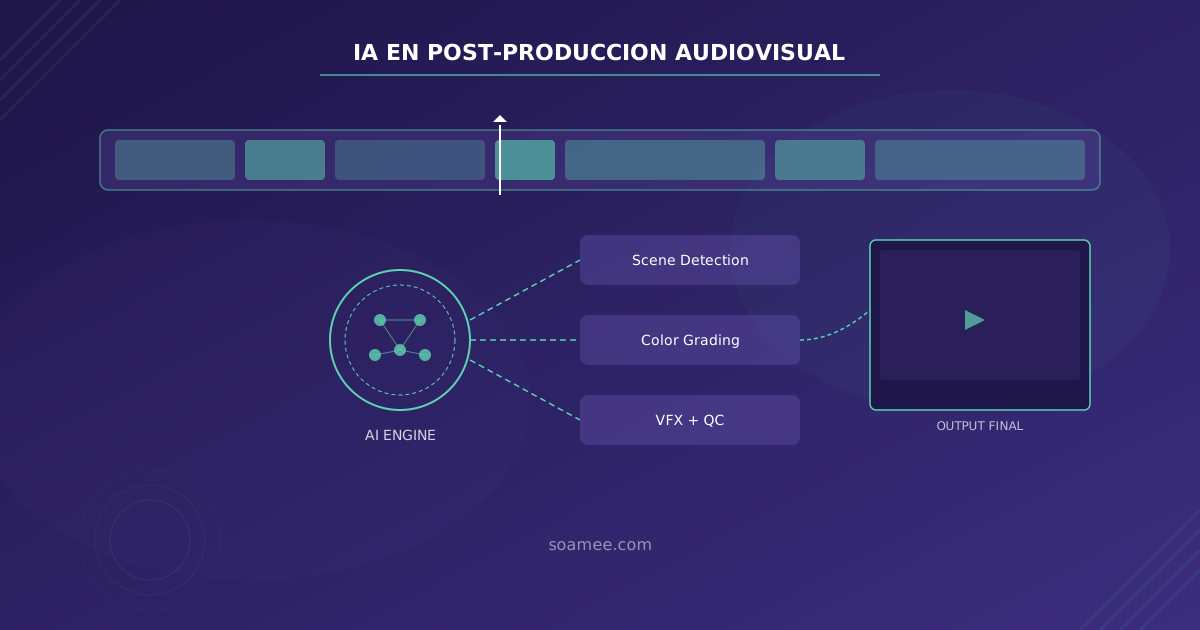
Audiovisual post-production has always been the most time- and talent-intensive phase of any project. Hours of footage review, shot-by-shot color correction, visual effects that require weeks of rendering, and quality control that depends on the most experienced human eye. In 2026, artificial intelligence hasn’t replaced post-production professionals, but it has given them superpowers.
We analyze the AI tools and techniques transforming every stage of post-production, from raw material ingest to final delivery.
Automatic Scene Detection and Material Organization
The first bottleneck in any post-production process is organizing the material. A single day of shooting can generate between 200 GB and 2 TB of footage. Manually reviewing, cataloging, and selecting usable takes can take days.
Current AI tools analyze footage automatically and perform several critical tasks:
- Scene cut detection: computer vision algorithms identify every shot change and generate automatic markers on the timeline. Tools like DaVinci Resolve with its Neural Engine accomplish this in seconds, even with 8K material.
- Content classification: AI identifies people, objects, locations, and actions. If you search for “all interview shots on the beach,” the system finds them without anyone having manually tagged anything.
- Technical quality detection: the system automatically discards takes with focus problems, extreme exposure, or excessive motion, prioritizing usable shots.
For production companies handling large content volumes — think TV studios recording daily shows — this automation can save between 4 and 8 hours of work per project.
AI-Assisted Editing: From Rough Cut to Fine Cut
Editing is where narrative takes shape, and while creative vision remains human, AI dramatically accelerates the mechanical process.
Script-Based Automatic Assembly
Tools like Adobe Premiere Pro with Sensei and specialized solutions like Simon Says let you upload a script or transcript and generate an initial edit that synchronizes takes with text. The editor receives a functional rough cut in minutes instead of hours.
Intelligent Multicam Synchronization
AI algorithms analyze audio and visual content from multiple cameras to automatically synchronize them and select the best angle at each moment. DaVinci Resolve and Premiere Pro already integrate this functionality natively.
Silence and Redundancy Removal
For formats like video-recorded podcasts or long interviews, AI detects silences, filler words, and excessive pauses, generating a clean cut that the editor only needs to refine.
AI Color Grading: Consistency at Scale
Color correction is one of the areas where AI has had the most tangible impact. What previously required colorists with years of experience and hours of work per minute of content can now be partially automated.
DaVinci Neural Engine
The reference tool in professional color grading, DaVinci Resolve, integrates its Neural Engine for tasks such as:
- Magic Mask: automatic segmentation of people and objects without manual rotoscoping. What used to take hours of frame-by-frame work now resolves in seconds.
- Color Match: AI analyzes a reference shot and applies its look to all shots in the same sequence, maintaining visual consistency even when lighting conditions varied during the shoot.
- Super Scale: intelligent upscaling that allows scaling 1080p material to 4K while maintaining detail through neural networks specifically trained for audiovisual content.
Colourlab AI and Cloud Alternatives
Solutions like Colourlab AI go a step further, allowing you to analyze reference films and automatically generate custom LUTs. The colorist defines the creative intent and AI executes the technical implementation across the entire project.
AI-Assisted VFX
Visual effects are perhaps where AI has generated the most spectacular advances in the last two years.
Runway ML: The Accessible Revolution
Runway has democratized VFX with tools that previously required teams of specialized artists:
- Inpainting: removing unwanted objects from a shot without manual reconstruction.
- Green screen without a green screen: character segmentation on complex backgrounds without the need for a chroma key.
- Background generation: creating set extensions or entirely new backgrounds from text prompts, maintaining coherence with the filmed material.
Advanced Stabilization and Tracking
Current AI algorithms stabilize shots with extreme movement without the warping artifacts produced by traditional tools. Motion tracking for 3D element insertion is now more precise and faster.
Archive Material Restoration
An increasingly in-demand application: AI enables restoring archive material — removing excessive grain, compression artifacts, scratches on film — while maintaining the cinematic texture of the original. Tools like Topaz Video AI are being used by television archives across Europe.
Automated Quality Control (QC)
QC is the last line of defense before delivery, and has traditionally been a tedious process prone to human error from fatigue.
AI-based QC systems — such as those integrated in Telestream or Interra Systems platforms — automatically verify:
- Technical levels: that the video meets broadcast specifications (luminance levels, color gamut, audio levels).
- Glitch detection: black frames, audio jumps, compression artifacts, lip-sync desynchronization.
- Compliance: verification that content meets accessibility regulations (subtitles present, audio description) and broadcast standards.
- Sensitive content detection: automatic identification of content that may require age ratings or warnings.
A QC process that manually takes the same time as the program’s duration (one hour of content = at least one hour of review), with AI is reduced to minutes, with greater accuracy and consistency.
The Integrated Workflow: From Ingest to Delivery
The real transformation isn’t in individual tools, but in AI integration across the entire post-production pipeline:
- Ingest: material is automatically analyzed, metadata is generated, takes are classified.
- Editing: a rough cut is generated based on the project structure.
- Color: consistent base correction is applied and necessary masks are generated.
- VFX: compositing and cleanup tasks are executed automatically.
- QC: final delivery is verified against all specifications.
This automated pipeline doesn’t eliminate professionals. It frees them from mechanical tasks so they can focus on the creative decisions that truly matter.
Practical Considerations for Production Companies
If you’re evaluating integrating AI into your post-production workflow, these are the key points:
- Start with the bottlenecks: identify which task consumes the most time in your current pipeline and find the specific AI tool that solves it.
- Not everything works the same for all content types: AI performs better with repetitive content (daily TV shows, studio formats) than with unique cinematic pieces where every shot is different.
- Hardware matters: many of these tools require powerful GPUs. Evaluate whether investing in local hardware or using cloud solutions is more cost-effective.
- Train your team: AI doesn’t replace the editor or colorist, but it changes their role. Training is essential to get anything out of these tools.
How Soamee Can Help
At Soamee we design and implement AI-powered post-production workflows tailored to each production company’s specific needs. From integrating AI tools into your existing pipeline to developing custom AI agent solutions that automate specific tasks in your workflow.
If your production company is losing hours on mechanical tasks that AI could solve, let’s talk. We’ll help you identify where AI can generate the greatest impact on your operation.